
Running a Shopify store means one recurring problem: capital tied up in inventory. Stock the wrong products and cash that could go into ads or new channels sits locked in a warehouse as dead stock. Stock too little of the right ones and you’re out of stock during your best sales window, losing sales you can’t get back.
Dealer pricing on authorized brands solves this differently. Instead of buying inventory upfront from a distributor, you pay dealer price only for what you’ve already sold — after registering as an authorized reseller and getting approved by the brand. This guide walks through exactly how Shopify store owners get set up with GridRay — step by step.
This works whether you’re an established Shopify seller formalizing brand relationships you already have, or a new entrepreneur setting up a store for the first time.
What Dealer Pricing Means for Your Shopify Store
Dealer pricing is the price a brand sets for its authorized resellers — lower than retail, but set and controlled entirely by the brand, not by GridRay. You set your own retail price on your Shopify storefront independently.
This is different from typical wholesale, where you’d buy a bulk quantity upfront and hope it sells. With dealer pricing through GridRay:
- You pay only for products you’ve already sold — and the shipping cost per order
- The brand sets dealer price; you set retail price — full control over your own margins and positioning
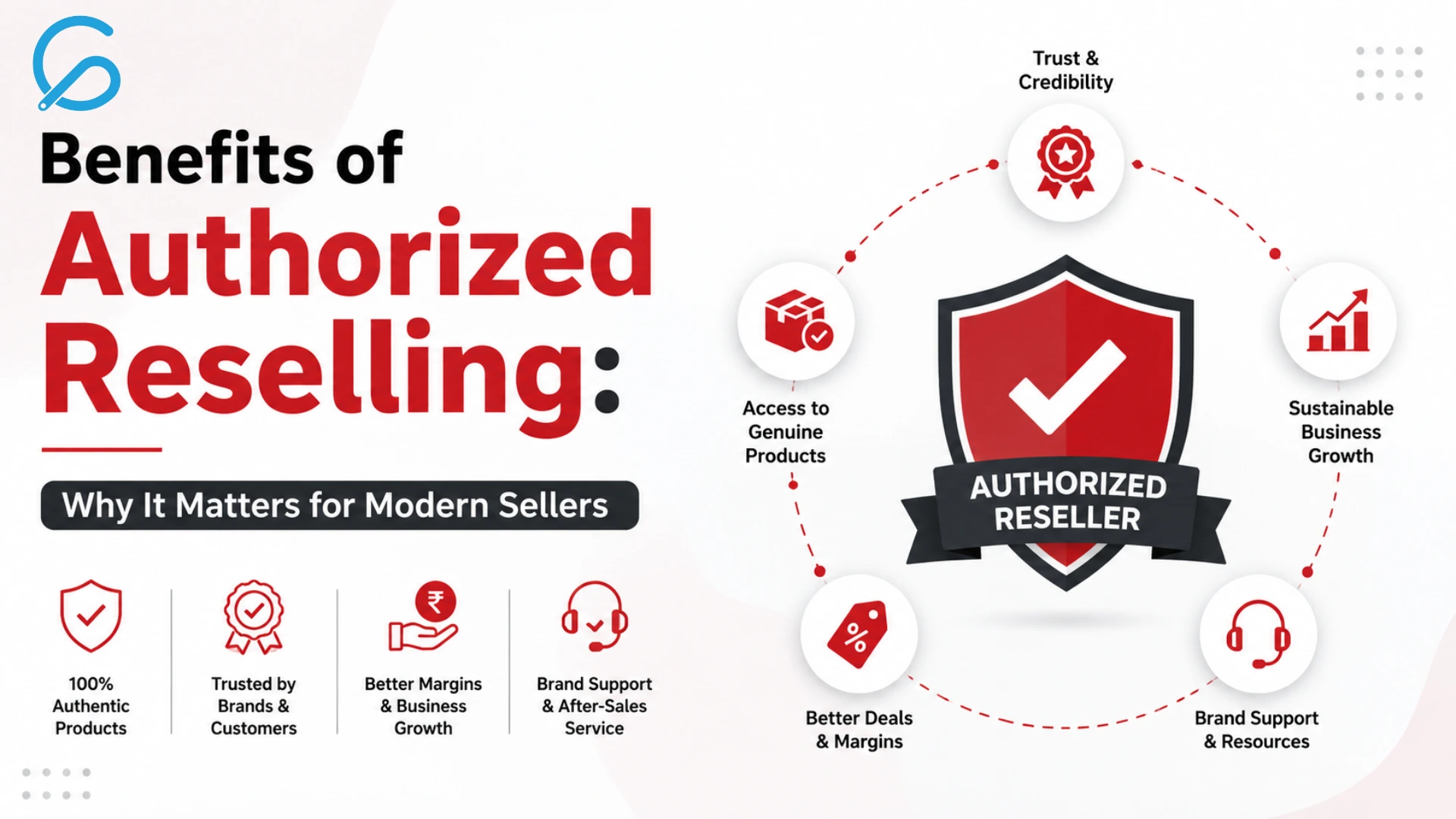
- Every product is 100% authentic — sourced from the brand directly, with brand authorization
- Shopify is already a supported channel — you can register today and specify Shopify as where you sell. A deeper native Shopify integration for automatic order sync is coming soon; until then, you list authorized product data manually on your storefront
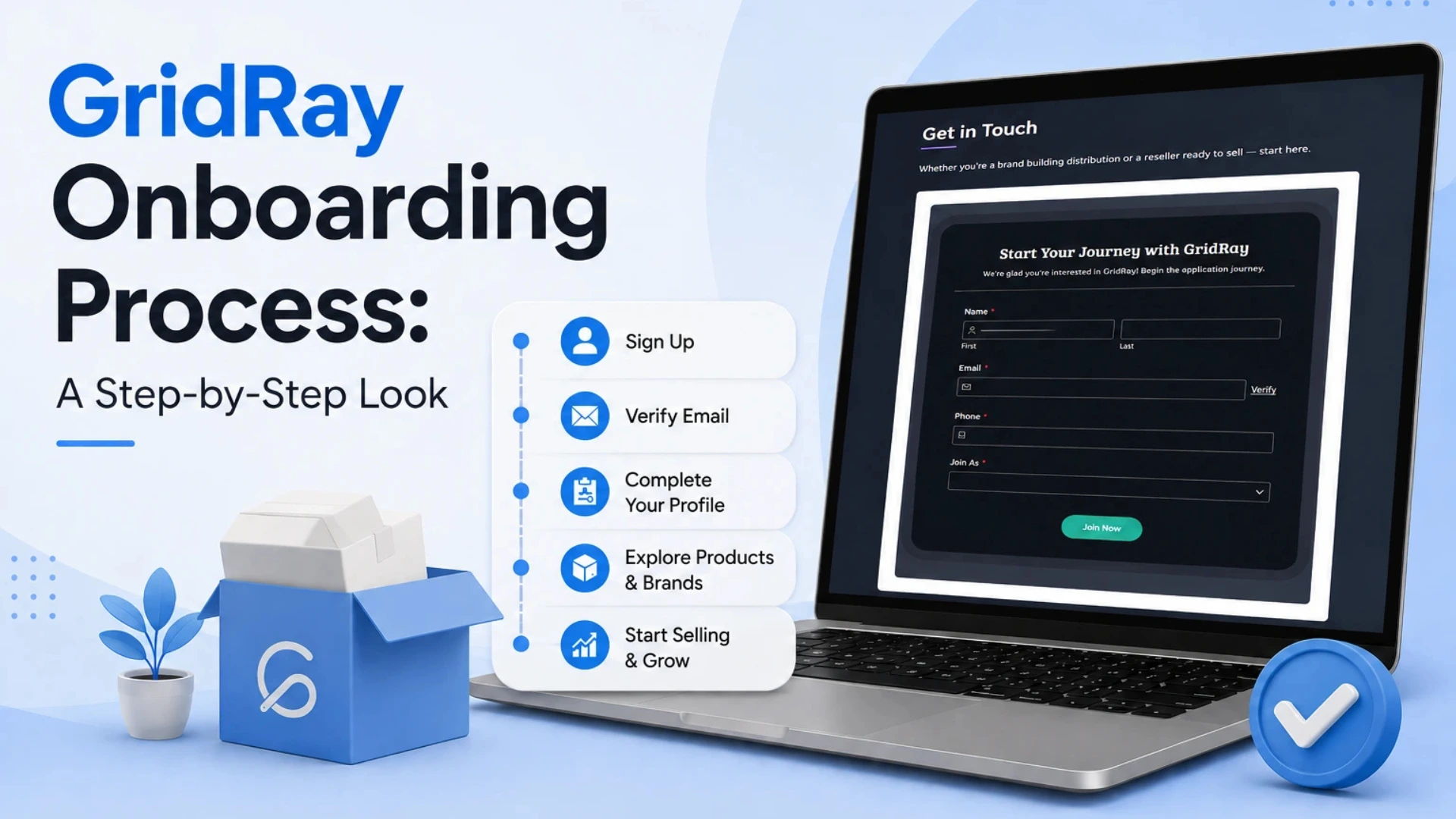
How to Get Dealer Pricing: The 5-Step GridRay Process
Step 1: Register on GridRay
Registration is open to everyone — with or without a GST number. This is the first step whether you already have an active Shopify store or you’re setting one up from scratch.
Step 2: Complete Your Profile and Choose Shopify as Your Channel
Submit your documentation and specify which channel(s) you sell on. If your Shopify store is already live, provide its URL; if you’re still setting one up, specify Shopify as your channel and add the URL once your store is live. You’ll also sign the GridRay reseller agreement. This step is the same for established sellers formalizing an existing store and for new entrepreneurs launching one.
Step 3: Apply to a Brand
Browse authorized brands across categories like Sports & Fitness, Lifestyle & Wellness, Electronics & Accessories, Fashion & Apparel, Home & Kitchen, Beauty & Personal Care, Kids & Toys, and Outdoor & Adventure. Apply to the ones that fit your Shopify store’s niche.
Step 4: Get Approved
The brand reviews your profile and your application — approval decisions are made by the brand, not GridRay. GridRay facilitates the process and issues the authorization letter on the brand’s behalf once you’re approved.
Step 5: List Products and Start Selling
Once approved, you receive product data with images and your dealer price. List the products on your Shopify store at whatever retail price you choose, and you’re live.
What You Receive After Approval
Every approved reseller gets three things together:
- An authorization letter, issued by GridRay on the brand’s behalf, confirming you’re an officially approved reseller for that brand on your Shopify channel
- Product data with images — ready to list, no need to shoot or source your own product photography
- Dealer price, set by the brand
When a customer orders through your Shopify store, you place the order on GridRay. You pay dealer price plus shipping, which GridRay holds in escrow. Once the order is delivered and the return window closes, GridRay settles with the brand’s warehouse, minus GridRay’s commission. You receive a GST-compliant invoice with every order, issued by GridRay on behalf of the brand’s Order Processing Center. Dispatch is best-effort same-day for orders placed before 12pm (noon) — not guaranteed, but the target for every order.
Dealer Pricing vs. Wholesale vs. Typical Dropshipping
| Factor | Dealer Pricing (GridRay) | Traditional Wholesale | Typical Dropshipping |
|---|---|---|---|
| Upfront capital | ₹0 — pay only for products already sold | ₹10L+ tied up in bulk stock | ₹0, but supplier is usually unverified |
| Product authenticity | 100% authorized, brand-verified | Depends on distributor | Counterfeit risk, generic sourcing |
| Dead stock risk | None — no inventory held | 20-30% typical loss on slow movers | Low, but trust and return-rate issues instead |
| Pricing | Brand-set dealer price, stable | Negotiated bulk rate | Race-to-bottom pricing, thin margins |
| Dispatch | Best-effort same-day (orders before 12pm noon) | You manage your own logistics | Often delayed, overseas shipping |
| Product data | Ready-to-list images and descriptions provided | You prepare your own listings | Varies, often low-quality supplier images |
Common Mistakes Shopify Sellers Make When Applying
Applying to brands outside your store’s niche. Brands review your profile alongside your application — a Shopify store focused on fitness gear applying to a beauty brand is a weaker match than one that fits your existing catalog.
Listing before you have dealer price confirmed. Wait for brand approval and your dealer price before publishing products, so your Shopify pricing reflects an accurate margin from day one.
Assuming GridRay sets your retail price. It doesn’t — the brand controls dealer price, and you control retail price on your own Shopify store. Set it based on your own positioning and marketing costs.
Frequently Asked Questions
Do I need a GST number to register?
No. Registration on GridRay is open to everyone, with or without a GST number.
Can I sell on Shopify today, or do I need to wait for a native integration?
You can register and start today. Shopify is already a supported selling channel — you specify it during profile setup and list authorized products manually. A deeper native Shopify integration for automatic order and inventory sync is coming soon.
Who decides if my application is approved?
The brand does. GridRay facilitates the process — profile verification, documentation, and issuing the authorization letter on the brand’s behalf — but approval is the brand’s decision.
What happens if a customer returns a product?
Returns are managed by GridRay. Brand warranty applies to defective products; general returns and exchanges follow the process GridRay manages on the brand’s behalf.
Get Started
Dealer pricing on authorized brands means your Shopify store’s capital goes into growth — ads, new product lines, new channels — instead of sitting in a warehouse as dead stock. If you’re ready to stop guessing on inventory and start selling verified, authorized brands at dealer price, explore the full GridRay catalog or get in touch with the GridRay team to start your application.
If you’re weighing this against other models first, see how dealer pricing compares to traditional dropshipping, or read the full step-by-step guide to becoming an authorized brand reseller in India.